Finding a high-refresh-rate monitor that doesn’t break the bank is a top priority for many gamers. A 144Hz display provides a remarkably smooth and responsive experience, making fast-paced action easier to track and giving you a tangible edge in competitive titles. The fluidity of motion is a game-changer, reducing blur and making every movement feel more immediate and connected.
Fortunately, the market in 2025 is filled with excellent budget-friendly options that deliver this premium feature. You no longer have to sacrifice performance for affordability. This roundup highlights ten of the best 144Hz monitors available for under $200, comparing their unique strengths to help you find the perfect screen for your setup and gaming style.
Our Top Picks for 144Hz Gaming Monitors
- AOC G2790VX 27″ Frameless Gaming Monitor
- AOC G2490VX 24″ Class Frameless Gaming Monitor
- AOC C24G1A 24″ Curved Frameless Gaming Monitor
- ASUS VG248QG 24″ G-SYNC Gaming Monitor
- SAMSUNG 24″ FHD 1080p CRG5 Curved Gaming Monitor
- BenQ ZOWIE XL2411K 24-Inch 144Hz Gaming Monitor
- Acer KG251Q Fbmidpx 24.5″ Full HD 144Hz Monitor
- Philips 242E1GSJ 24″ Gaming Monitor
- Acer Nitro KG241Y Sbiip 23.8” Full HD VA Gaming Monitor
- AOC 24G2 24″ Frameless Gaming IPS Monitor
AOC G2790VX 27″ Frameless Gaming Monitor

The AOC G2790VX offers a large 27-inch canvas for an immersive gaming experience without a hefty price tag. Its 144Hz refresh rate and 1ms response time ensure that fast-moving scenes are rendered with exceptional clarity and minimal motion blur. The three-sided frameless design is perfect for multi-monitor setups, creating a seamless field of view.
This monitor uses a VA panel that provides rich colors and deep blacks, covering 122% of the sRGB color space. With AMD FreeSync Premium technology, screen tearing and stuttering are eliminated for a consistently smooth visual performance. It also includes a reassuring 3-year zero dead pixel warranty for added peace of mind.
AOC G2490VX 24″ Class Frameless Gaming Monitor
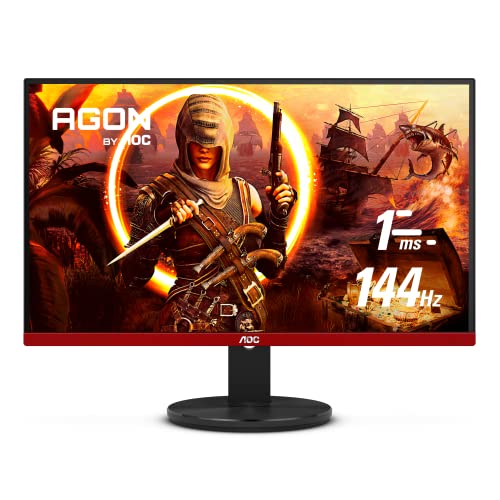
For those who prefer a more standard 24-inch screen size, the AOC G2490VX is a compelling choice. It shares many of the same high-performance features as its larger sibling, including the 144Hz refresh rate and 1ms response time. The frameless design on three sides makes it an excellent candidate for a clean, multi-display arrangement.
This model boasts impressive color accuracy with 126% sRGB and 93% DCI-P3 coverage, delivering vibrant and true-to-life visuals. The VA panel technology ensures wide viewing angles and strong contrast, making it suitable for both gaming and media consumption. AMD FreeSync Premium support keeps gameplay fluid from start to finish.
AOC C24G1A 24″ Curved Frameless Gaming Monitor
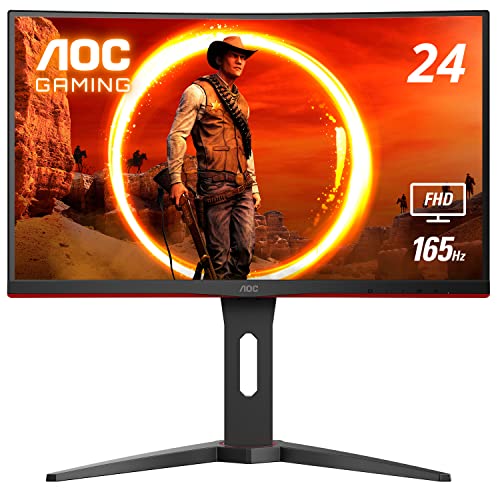
The AOC C24G1A enhances immersion with its 1500R curved VA panel, which wraps around your field of vision. This curvature helps reduce eye strain by minimizing how much your eyes need to move to take in the entire screen. It supports a refresh rate of up to 165Hz, providing an extra margin of smoothness beyond the standard 144Hz.
With a rapid 1ms MPRT response time, this monitor is built to keep up with the fastest-paced games. AMD FreeSync Premium ensures compatibility with a wide range of graphics cards for tear-free gaming. The stand is fully height-adjustable, allowing you to find the perfect ergonomic position for long gaming sessions.
ASUS VG248QG 24″ G-SYNC Gaming Monitor

The ASUS VG248QG stands out with its native support for NVIDIA G-SYNC, making it an ideal partner for gamers with GeForce graphics cards. This technology synchronizes the monitor’s refresh rate with the GPU’s frame rate to eliminate screen tearing and minimize display stutter. Its refresh rate can be overclocked to 165Hz for ultra-smooth performance.
This monitor features an incredibly fast 0.5ms (GTG) response time, which is among the best in its class for reducing ghosting. ASUS Eye Care technology incorporates flicker-free backlighting and a blue light filter to help prevent fatigue during extended use. The fully ergonomic stand offers extensive adjustability for maximum comfort.
SAMSUNG 24″ FHD 1080p CRG5 Curved Gaming Monitor

Experience a more engaging perspective with the Samsung CRG5 and its 1800R curved screen. This monitor pulls you into the action, making you feel like you’re at the center of the game world. The 144Hz refresh rate ensures that the on-screen motion remains fluid and clear, which is critical for fast-paced gaming.
Samsung includes several exclusive gamer-oriented features to enhance your performance. Game Mode optimizes black gamma levels, contrast, sharpness, and color for different game genres. A Low Input Lag Mode minimizes the delay between your actions and their appearance on screen. It also supports AMD Radeon FreeSync for smooth, tear-free gameplay.
BenQ ZOWIE XL2411K 24-Inch 144Hz Gaming Monitor

The BenQ ZOWIE XL2411K is designed with competitive esports players in mind. Its 144Hz refresh rate delivers the smooth performance required for high-level play. A key feature is its support for 120Hz gaming on modern consoles like the PS5 and Xbox Series X, making it a versatile choice for multi-platform gamers.
This monitor features BenQ’s Dynamic Accuracy (DyAc) technology, which improves image clarity during rapid, in-game movements such as weapon recoil or quick turns. The ergonomic stand allows for easy adjustments, and the customizable Quick Menu provides fast access to your preferred settings. It’s a tool built for consistency and performance.
Acer KG251Q Fbmidpx 24.5″ Full HD 144Hz Monitor
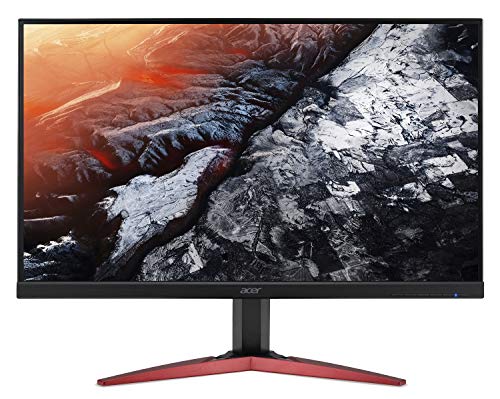
The Acer KG251Q features a 24.5-inch TN panel that prioritizes speed above all else. With a 1ms response time and 144Hz refresh rate, it is engineered to display fast action with minimal blur, giving you a clear advantage in shooters and other reaction-based games. The zero-frame design offers a more expansive view.
AMD Radeon FreeSync technology is supported to eliminate screen tearing for a smoother visual experience. The monitor provides multiple connectivity options, including DisplayPort and HDMI, making it easy to connect to your PC or gaming console. It’s a straightforward, performance-focused display that gets the job done.
Philips 242E1GSJ 24″ Gaming Monitor
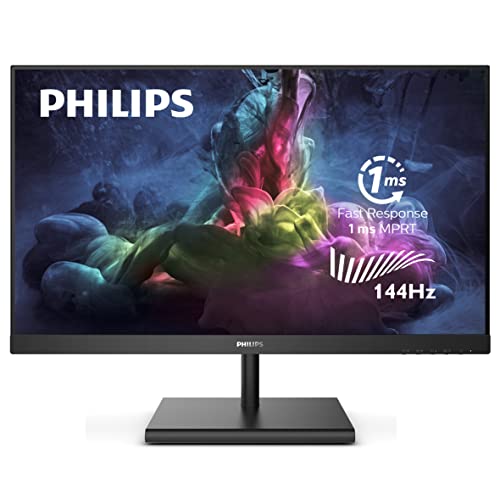
The Philips 242E1GSJ combines smooth gameplay with impressive color quality. Its VA panel and Ultra Wide-Color technology deliver a 125.9% sRGB color gamut, producing vibrant and true-to-life images. This makes it a great all-arounder, suitable for both gaming and everyday media consumption.
With a 144Hz refresh rate and AMD FreeSync Premium technology, this monitor provides a fluid and artifact-free gaming experience. The 4ms response time is fast enough for most gaming scenarios. Philips backs this model with a generous 4-year advance replacement warranty, highlighting its confidence in the product’s reliability.
Acer Nitro KG241Y Sbiip 23.8” Full HD VA Gaming Monitor

The Acer Nitro KG241Y Sbiip pushes the refresh rate to 165Hz, offering an even smoother visual experience than standard 144Hz displays. It uses a VA panel, which provides better contrast and color reproduction than traditional TN panels, all while maintaining a swift 1ms (VRB) response time.
This monitor is equipped with AMD FreeSync Premium technology, ensuring seamless gameplay without tearing or stuttering. The ZeroFrame design maximizes the screen area for a more immersive view, and it is HDR ready. With multiple inputs including DisplayPort and HDMI, it offers great connectivity for various devices.
AOC 24G2 24″ Frameless Gaming IPS Monitor
The AOC 24G2 is a standout option because it features an IPS panel, which typically offers superior color accuracy and wider viewing angles compared to VA or TN panels. You get the benefit of vibrant, consistent colors without sacrificing the core gaming performance of a 144Hz refresh rate and 1ms response time.
Its three-sided frameless design not only looks modern but is also practical for multi-monitor configurations. The combination of an IPS display with a high refresh rate makes this monitor exceptionally versatile, excellent for both immersive gaming and color-sensitive tasks. It represents a fantastic balance of speed and image quality.
Buying Guide: How to Choose a 144hz Monitor Under $200
So, you’re on the hunt for one of the best 144hz monitors under $200. I get it; it’s a fantastic sweet spot for getting high-performance gaming on a budget. But with so many options, how do you pick the right one for your setup? Let me walk you through the key things I always look for.
First up, let’s talk about panel technology. You’ll mostly find VA and IPS panels in this price range. IPS panels are my personal favorite because they offer the best color accuracy and viewing angles. If you do any photo editing or just hate it when colors shift when you look at the screen from the side, an IPS monitor is a great choice. VA panels, on the other hand, typically have better contrast ratios, meaning deeper blacks. This can be a big win for playing in a dark room or watching movies. I tend to steer clear of TN panels these days, as their color and viewing angles just don’t hold up compared to the others.
Next, consider the resolution and size. For under $200, you’re almost certainly looking at 1080p (Full HD). This is perfectly fine for monitors in the 24 to 27-inch range. A 24-inch monitor is the classic, and I think it’s the ideal size for 1080p. The pixel density is sharp, and it’s easier to see everything happening in a fast-paced game without moving your head too much. If you go for a 27-inch screen, just be aware that the pixels will be a bit more noticeable because you’re spreading the same number of pixels over a larger area. It’s not a deal-breaker, but it’s something I always consider.
Finally, don’t just look at the refresh rate. Check the response time. You’ll see numbers like 1ms MPRT or 1ms GTG. For competitive gaming, a lower response time is better as it reduces motion blur. Also, peek at the connectivity. Having at least one DisplayPort is crucial, as it’s the best way to get that full 144hz signal from your PC. HDMI ports are handy for consoles or other devices. Some monitors even include features like AMD FreeSync, which helps eliminate screen tearing. I make sure any monitor I buy has some form of adaptive sync; it’s a game-changer for smooth gameplay. By focusing on the panel type, the right size for 1080p, and the extra features, you can confidently find one of the 10 best 144hz monitors under $200 in 2025 that fits your specific needs.
Frequently Asked Questions
Is a 144hz monitor really worth it for gaming?
Absolutely, yes. Once you game on a 144hz monitor, it’s really hard to go back to a standard 60hz one. The difference in smoothness is night and day. Everything from panning the camera in a single-player game to tracking targets in a fast-paced shooter feels much more fluid and responsive. It reduces motion blur and makes the overall experience feel more connected and immediate. You don’t need a super powerful graphics card to benefit from it, either. Even if your game’s frame rate fluctuates, having a higher refresh rate base makes those fluctuations feel smoother.
Can my computer even run a 144hz monitor?
This is a great question. Your computer needs to be able to output frames per second (FPS) that can take advantage of the 144hz refresh rate. For less demanding games like Valorant, CS:GO, or Rocket League, a mid-range gaming PC from the last few years should have no problem. For more graphically intense AAA titles, you might not hit a consistent 144 FPS on high settings, but that’s okay. The monitor will still display whatever FPS your PC produces up to 144, and technologies like AMD FreeSync or NVIDIA G-Sync Compatible will make it feel smooth even if the frame rate dips.
What’s the difference between HDMI and DisplayPort for 144hz?
For achieving 144hz at 1080p, I strongly recommend using a DisplayPort cable. It’s the most reliable way to ensure you get the full refresh rate without any hiccups. While newer versions of HDMI (like HDMI 2.0) can support 1080p at 144hz, it can sometimes be finicky depending on your graphics card and the specific monitor. The DisplayPort cable that comes with your monitor is usually your best bet. If you need to use HDMI, just double-check that your hardware supports the necessary version.
Are there any good 1440p 144hz monitors under $200?
In 2025, finding a true 1440p (QHD) monitor with a 144hz refresh rate for under $200 is still very challenging. The technology for those panels hasn’t dropped into that budget range yet. Your money at this price point is best spent on a high-quality 1080p 144hz monitor. You’ll get a much better overall experience with a good IPS or VA panel at 1080p than you would with a low-quality 1440p panel. The 10 best 144hz monitors under $200 in 2025 are almost exclusively 1080p models, and that’s perfectly fine for a fantastic gaming setup.
Do I need FreeSync or G-Sync on a budget 144hz monitor?
I would say it’s one of the most important features to look for. AMD FreeSync is very common on monitors in this price range, and many of them are also certified as “G-Sync Compatible” by NVIDIA. This technology synchronizes your monitor’s refresh rate with your graphics card’s frame rate, which completely eliminates screen tearing and stuttering. It makes games feel incredibly smooth, even when your FPS isn’t a perfect, consistent 144. Since it’s so prevalent now, there’s little reason not to get a monitor that has it.